DRSSW

Specialties

  • Healthcare: Chinese Medicine Tutorial website, HL7, eMR, CDR, and healthcare data solutions
  • Energy: Power Plant Performance Modelling, Expert Systems, Data Analysis, and energy optimization solutions
  • Tools: Windows Development, Visual Modelling, HL7 Parser, HL7 Repository Database, and development tools
  • Services: Database design, Web and Application design and development using Microsoft technologies
    Technology Stack: ASP.NET, Web API, WPF, .NET, C#, Angular, AngularJS

Healthcare Solutions

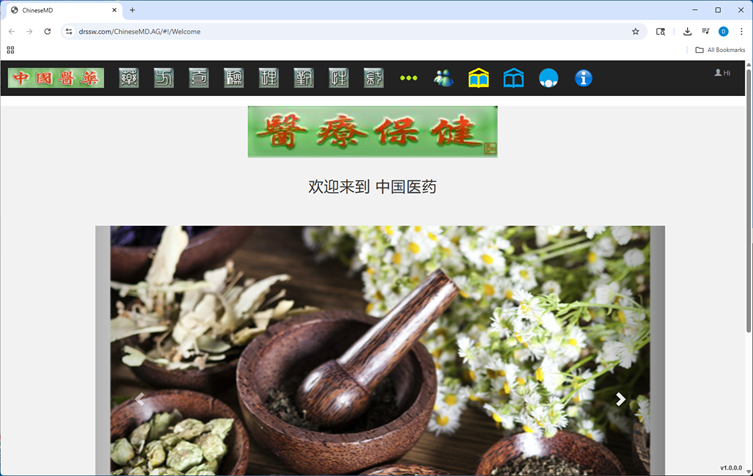
中国医药和学习 (Chinese Medicine Learning)

A comprehensive platform for Chinese medicine education, combining traditional knowledge with modern learning tools.

Chinese Medicine Learning was born from the need to centralize learning materials in one location to meet personal needs.

It consists of two parts:

  • Chinese Medicine Area - Collection of fundamental TCM knowledge covering herbs, formulas, acupuncture, and more
  • Learning Area - An open space where users can set up learning files, videos, and images

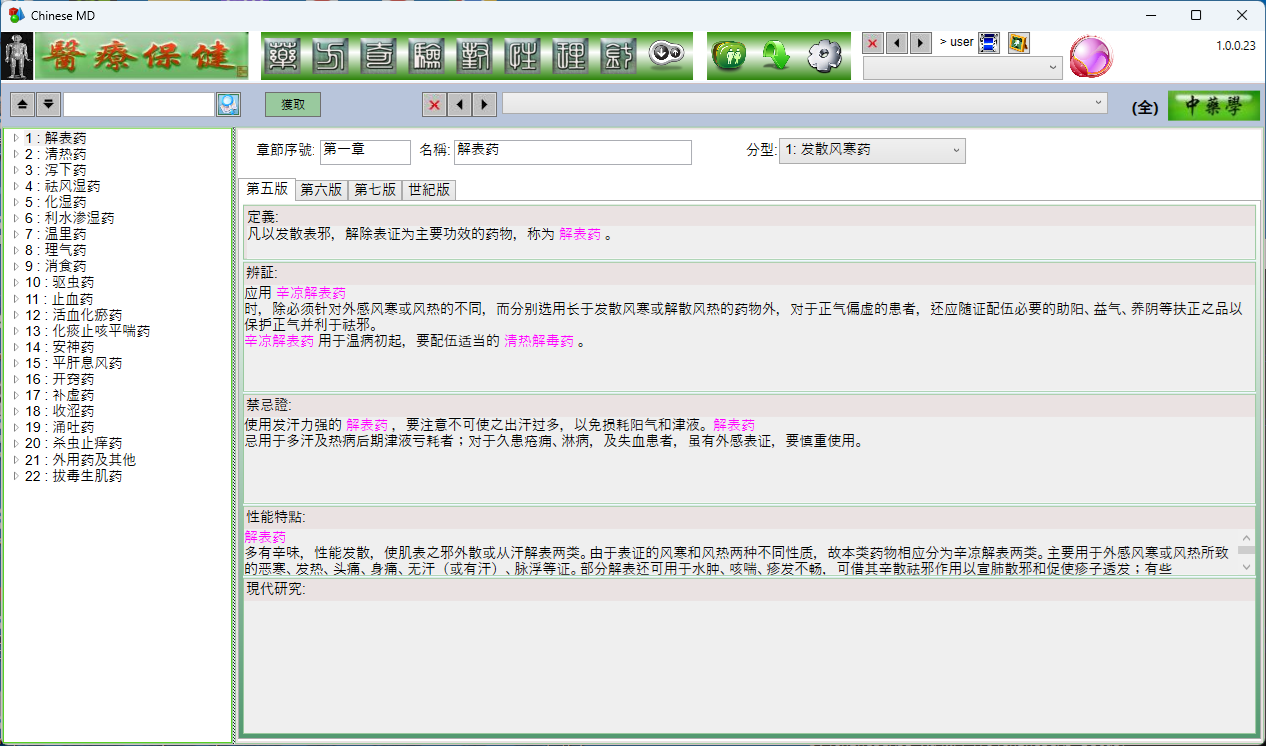
ChineseMD Application

ChineseMD contains structured Chinese Medicine information with multimedia, interlinked herbs, formulas, acupuncture, and more.

Installation Steps:

  1. Download setup zip file by clicking the link.
  2. After download, go to the zip file location (e.g., Downloads)
  3. Double click the zip file => double click setup.exe to install.
    • Click 'More Info' then click 'Run anyway'
    • Follow the installation on the screen.
    • => ChineseMD.exe shortcut shall appear on your desktop.
  4. Double click the ChineseMD icon to start the ChineseMD application
    • The general login : UserID: user Password: none

Note: If ChineseMD was installed before, you may have to uninstall it.
Go to Windows 'Control Panel' -> 'Programs' -> 'Programs and Features'
Right click 'ChineseMD_Setup' and select 'Uninstall'
Now run setup.exe for installation

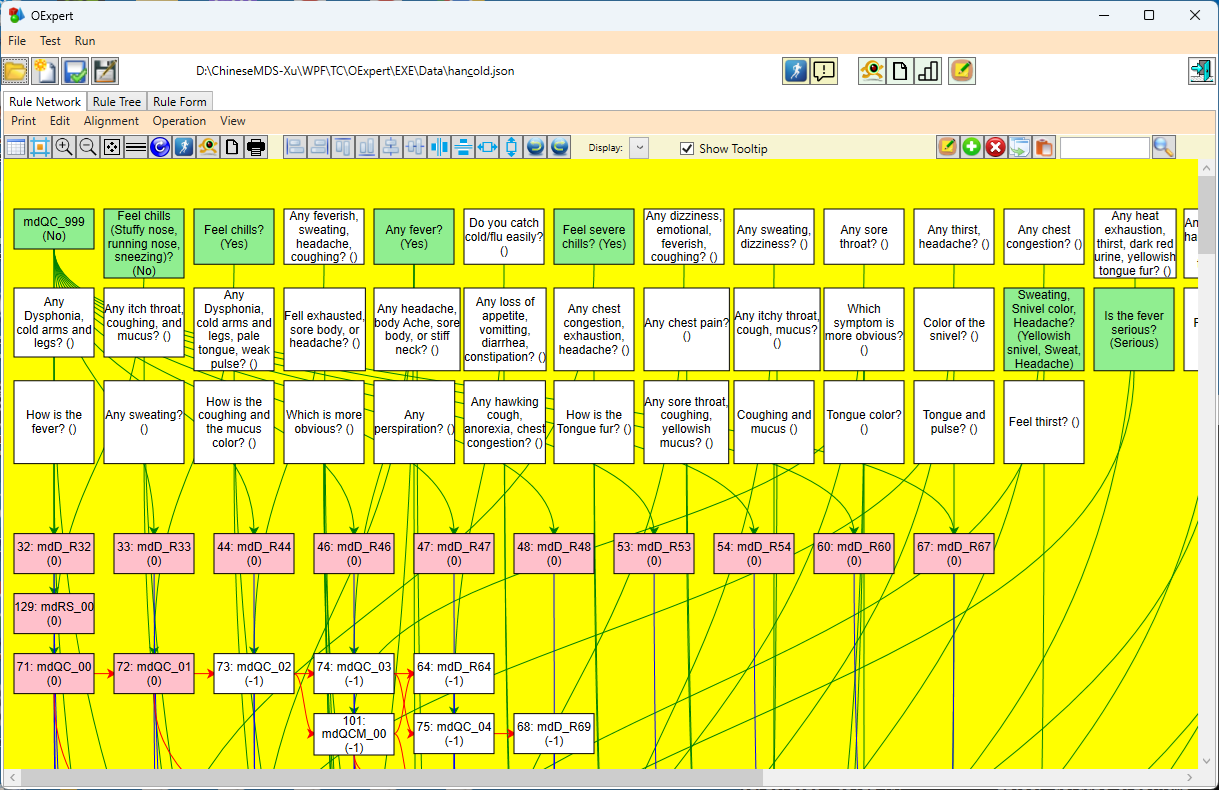
OExpert Application

Expert system: Base Rule Network, forward and backward inferencing engine.

Installation Steps:

  1. Download setup zip file by clicking the link.
  2. After download, go to the zip file location (e.g., Downloads)
  3. Double click the zip file => double click setup.exe to install.
    • Click 'More Info' then click 'Run anyway'
    • Follow the installation on the screen.
    • => OExpert.exe shortcut shall appear on your desktop.
  4. Double click the OExpert icon to start the OExpert application
    • The general login : UserID: user Password: none

Note: If OExpert was installed before, you may have to uninstall it.
Go to Windows 'Control Panel' -> 'Programs' -> 'Programs and Features'
Right click 'OExpert' and select 'Uninstall'
Now run setup.exe for installation

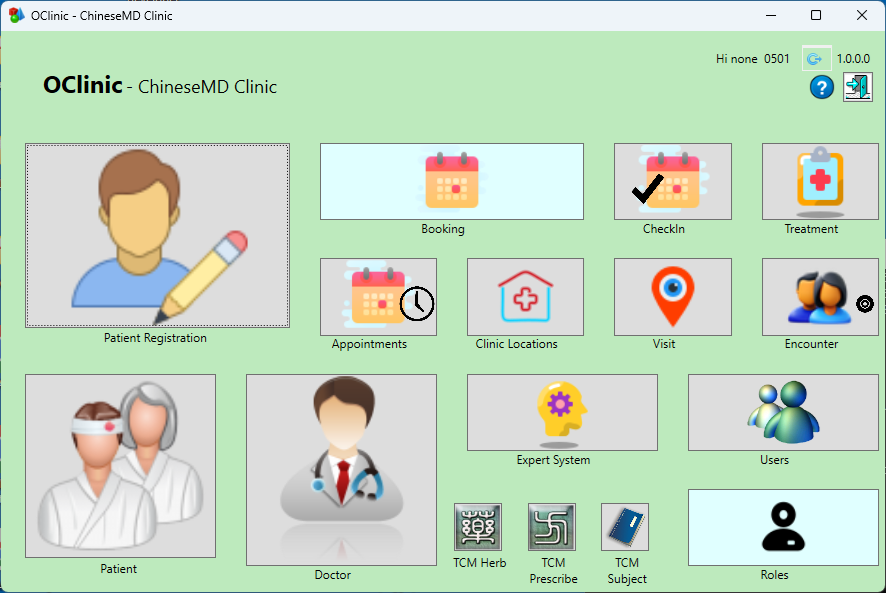
OClinic Application

(INCOMPLETE) Base Clinic system, booking, patient, provider, ...

Installation Steps:

  1. Download setup zip file by clicking the link.
  2. After download, go to the zip file location (e.g., Downloads)
  3. Double click the zip file => double click setup.exe to install.
    • Click 'More Info' then click 'Run anyway'
    • Follow the installation on the screen.
    • => OClinic.exe shortcut shall appear on your desktop.
  4. Double click the OClinic icon to start the OClinic application
    • The general login : UserID: user Password: none

Note: If OClinic was installed before, you may have to uninstall it.
Go to Windows 'Control Panel' -> 'Programs' -> 'Programs and Features'
Right click 'OClinic' and select 'Uninstall'
Now run setup.exe for installation

MLSpace Application

MLSpace Data (~6GB download)

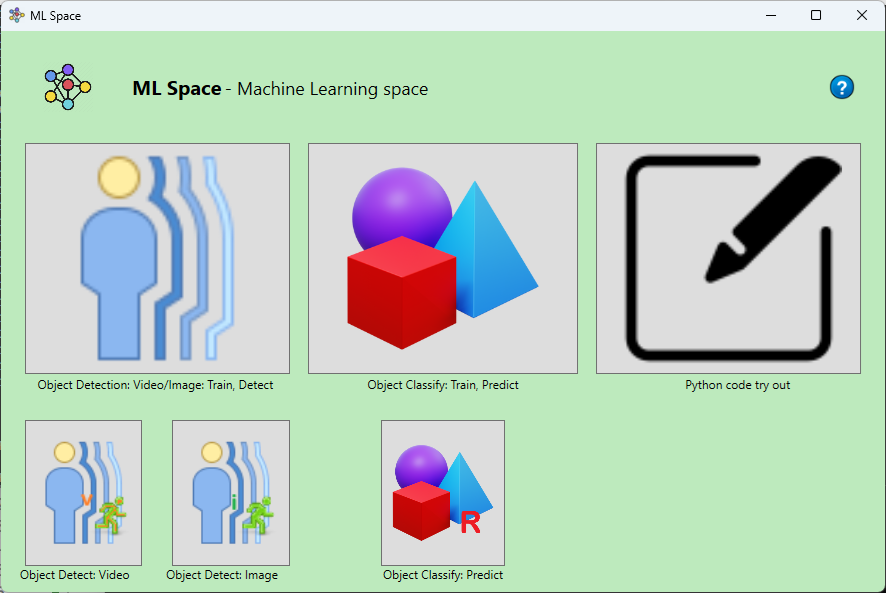
Machine Learning Space for AI exploration. Use YOLO to identify and classify objects in pictures and videos. There are two categories included in the application: Object Detection and Object Classification. The Object Detection sample import an video, annotates the object (ball) and training for the ball tracking of a Table tennis game. The final model is then used to track balls on another video. The Object Classify trains a set of 50000 object images for a model. The resulting model is used to identify the object of pictures. Note: The training process takes quite some efforts. With NVidia GPU, the process significantly improved.

Installation Steps:

  1. Download setup zip file by clicking the link.
  2. Download data 7z file by clicking the data link (> 6GB).
  3. After download, go to the zip file location (e.g., Downloads)
  4. 1. Double click the MLSpace_Setup zip file => double click setup.exe to install.
    • Click 'More Info' then click 'Run anyway'
    • Follow the installation on the screen.
    • => MLSpace.exe shortcut shall appear on your desktop.
    2. Double click the MLSpace.7z file => double click to unzip to the folder in Step 1.
  5. Double click the MLSpace icon to start the MLSpace application

Note: If MLSpace was installed before, you may have to uninstall it.
Go to Windows 'Control Panel' -> 'Programs' -> 'Programs and Features'
Right click 'MLSpace' and select 'Uninstall'
Now run setup.exe for installation
RDB Explorer

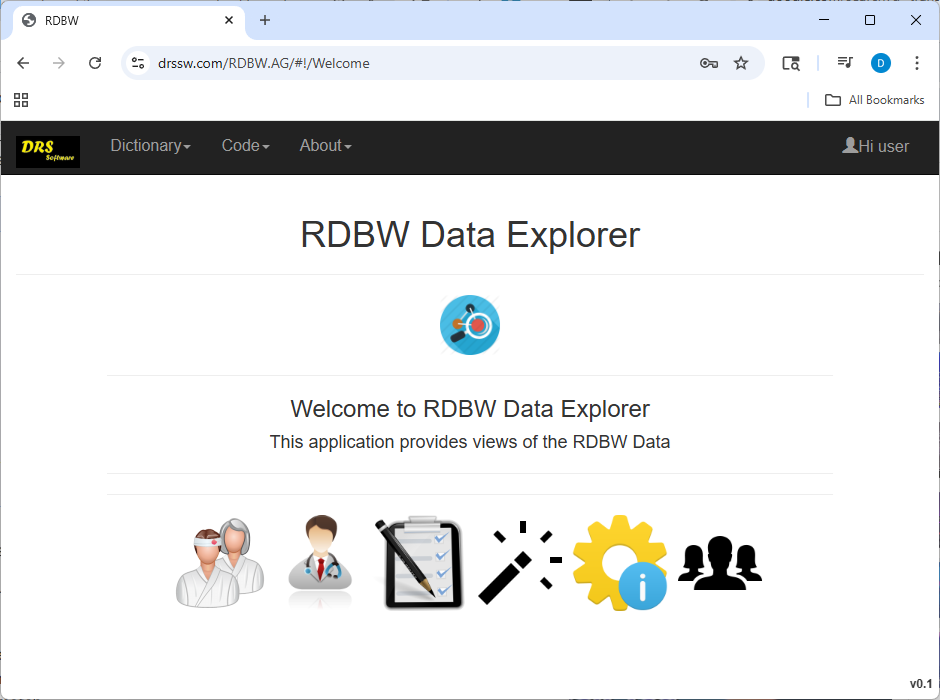
RDB Data Explorer, sample health care data, standard codes: LOINC, RxNorm, ICD10, SNOMED.

HealthFabric

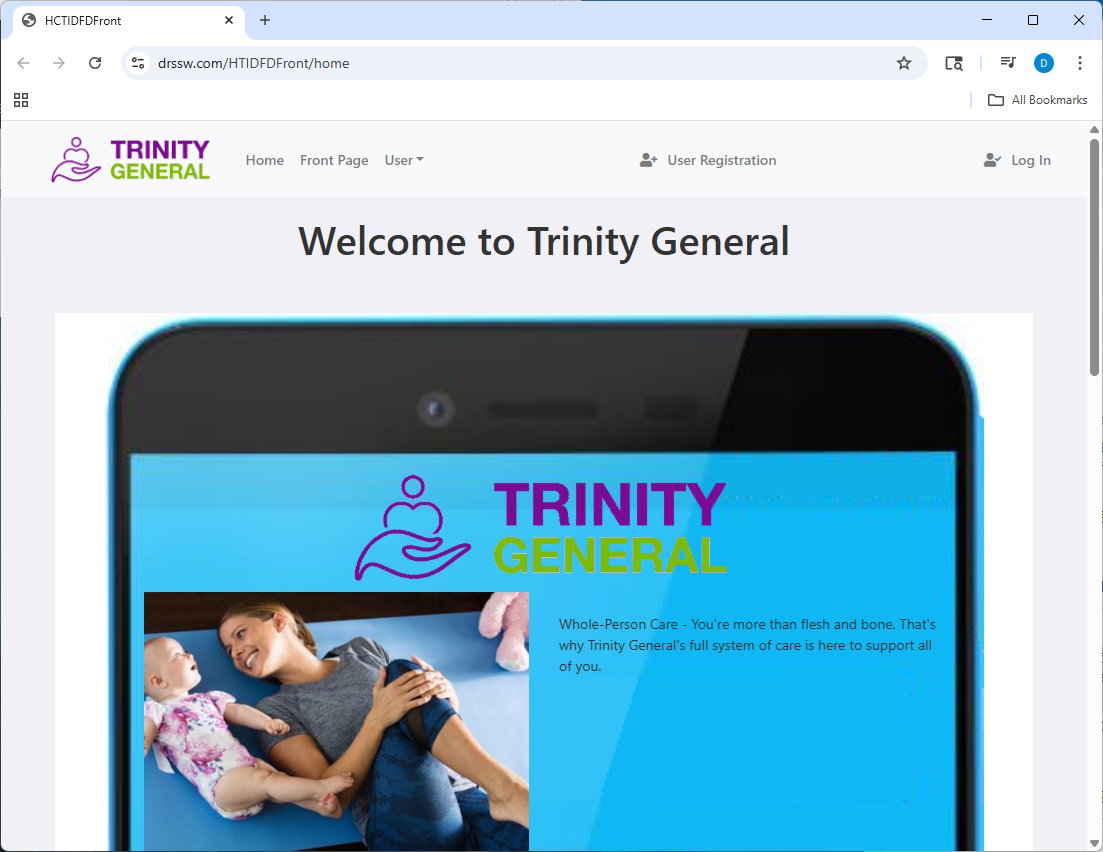
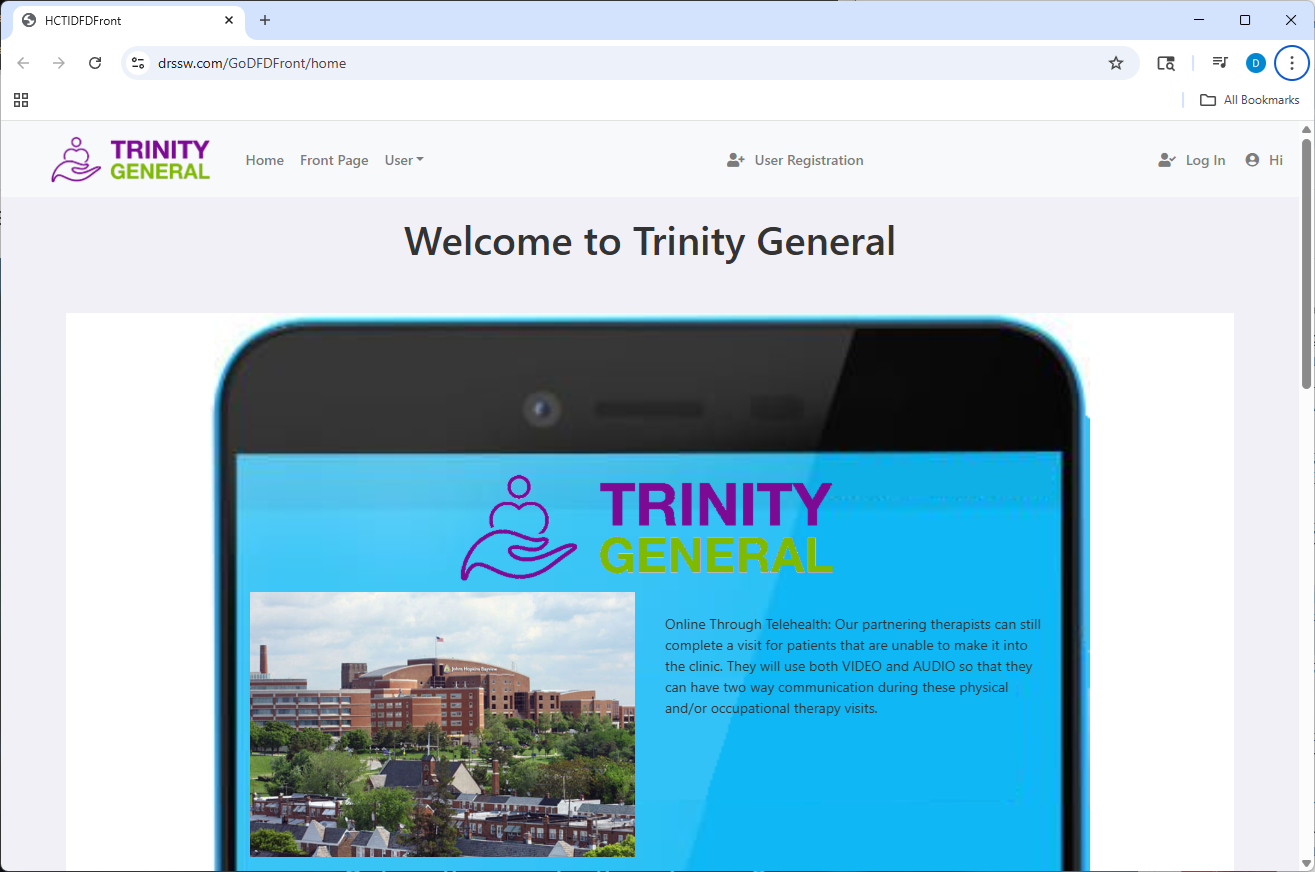
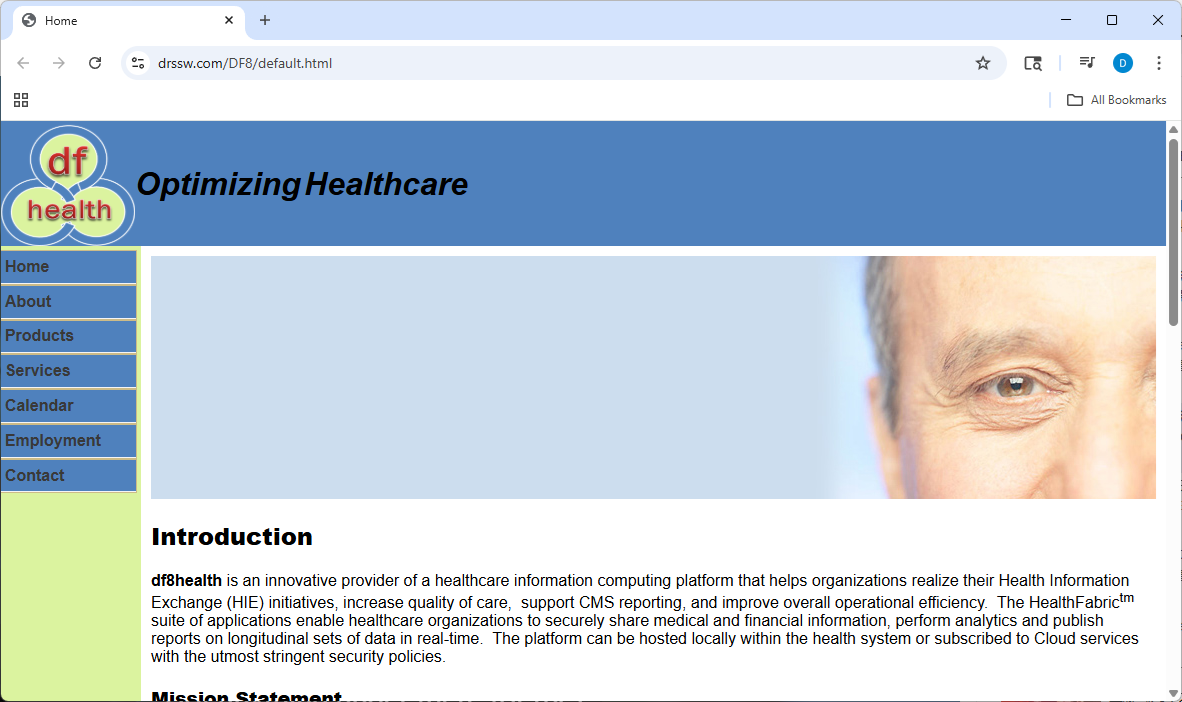
Health Information system

HL7, data extraction,

HL7 Parser- application that reads and parse the HL7 messages.

  • HL7 Version 2.5
  • HL7 Parser in Windows Form for inspecting and creating HL7 messages
  • Integratable Libraries
  • HL7 Database
  • HL7 ORM .Net Class Generation

Other Solutions

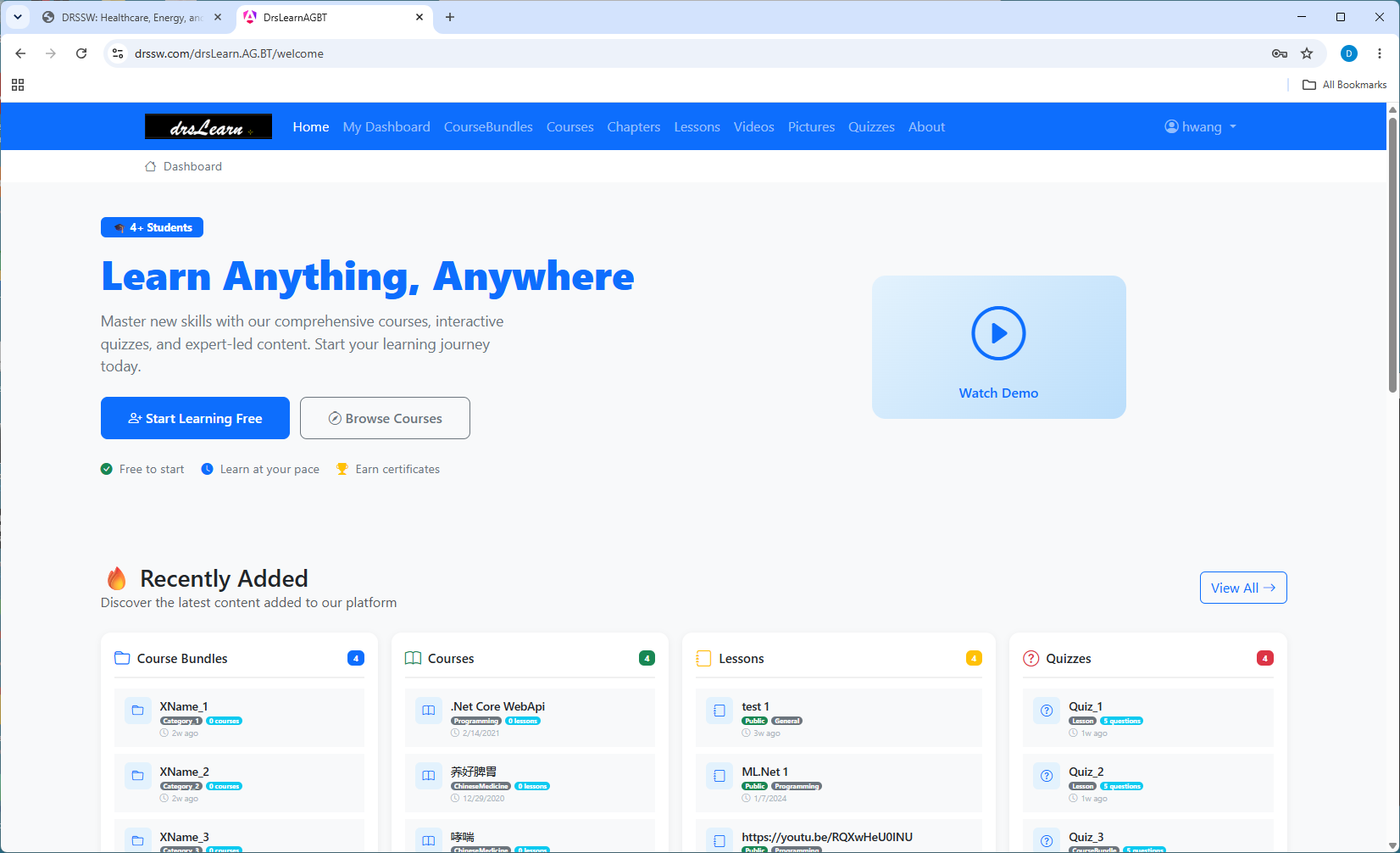
drsLearn

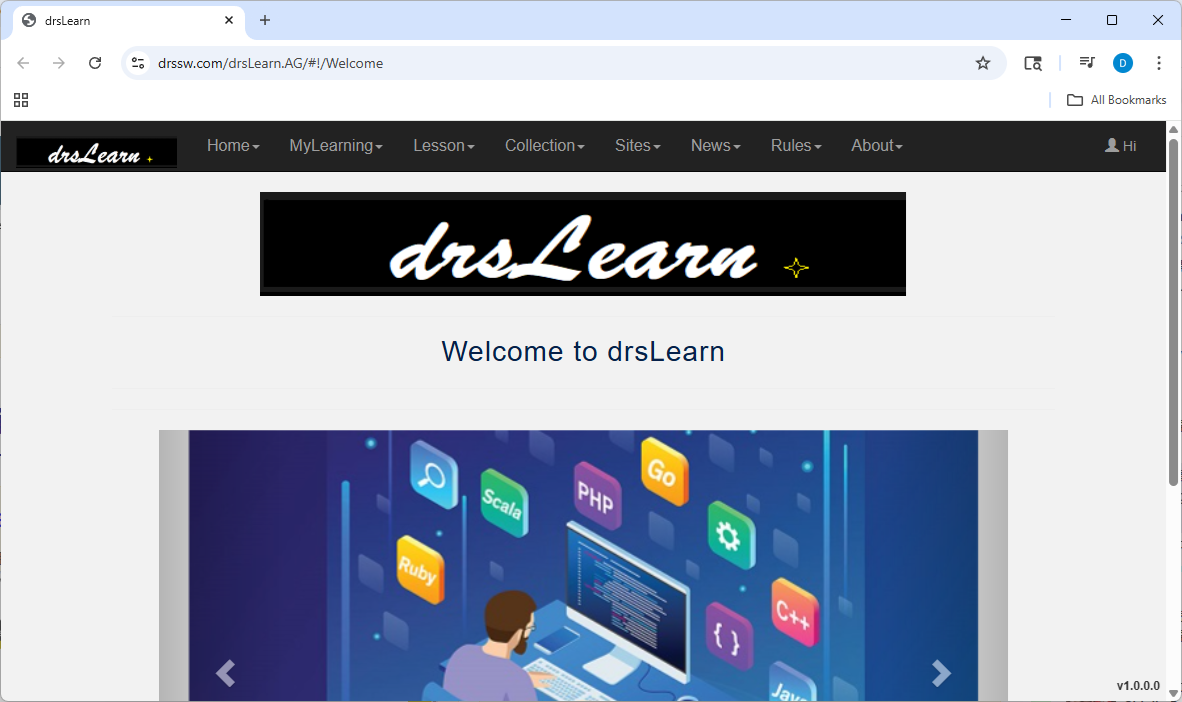
Learning content management system for organizing YouTube videos, PDF files, pictures, uploading media files, making notes, and more.

drsLearn is a learning management system that helps users organize and manage educational materials.

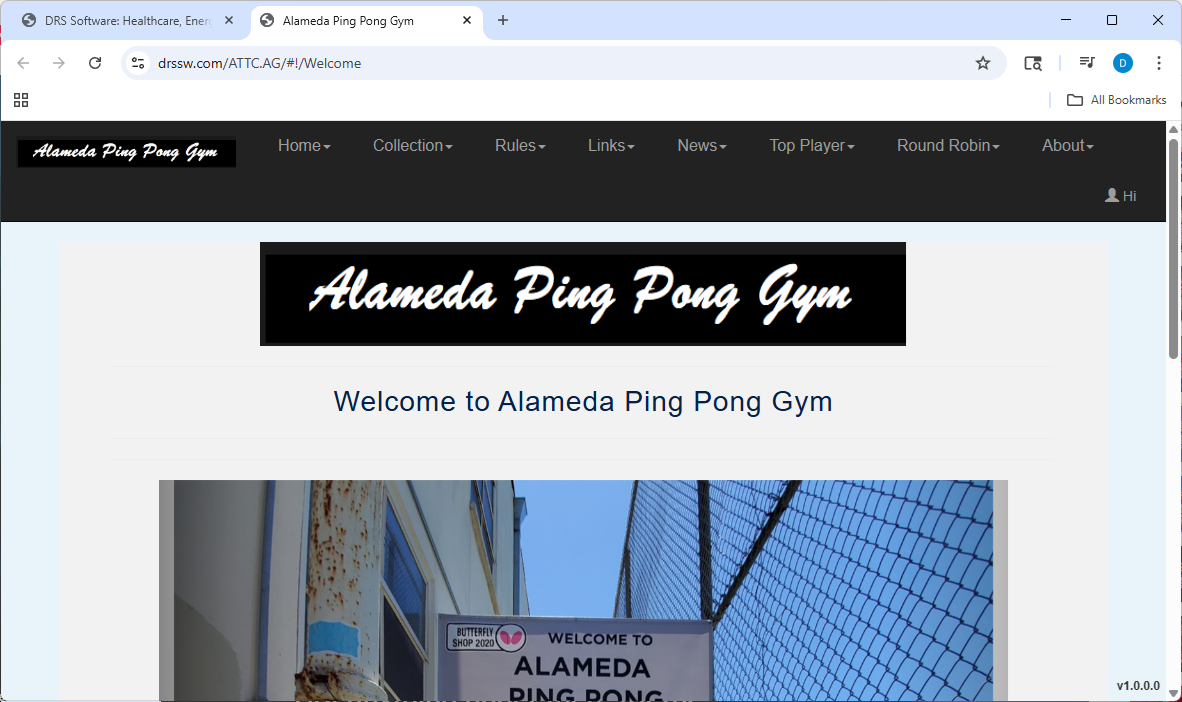
ATTC

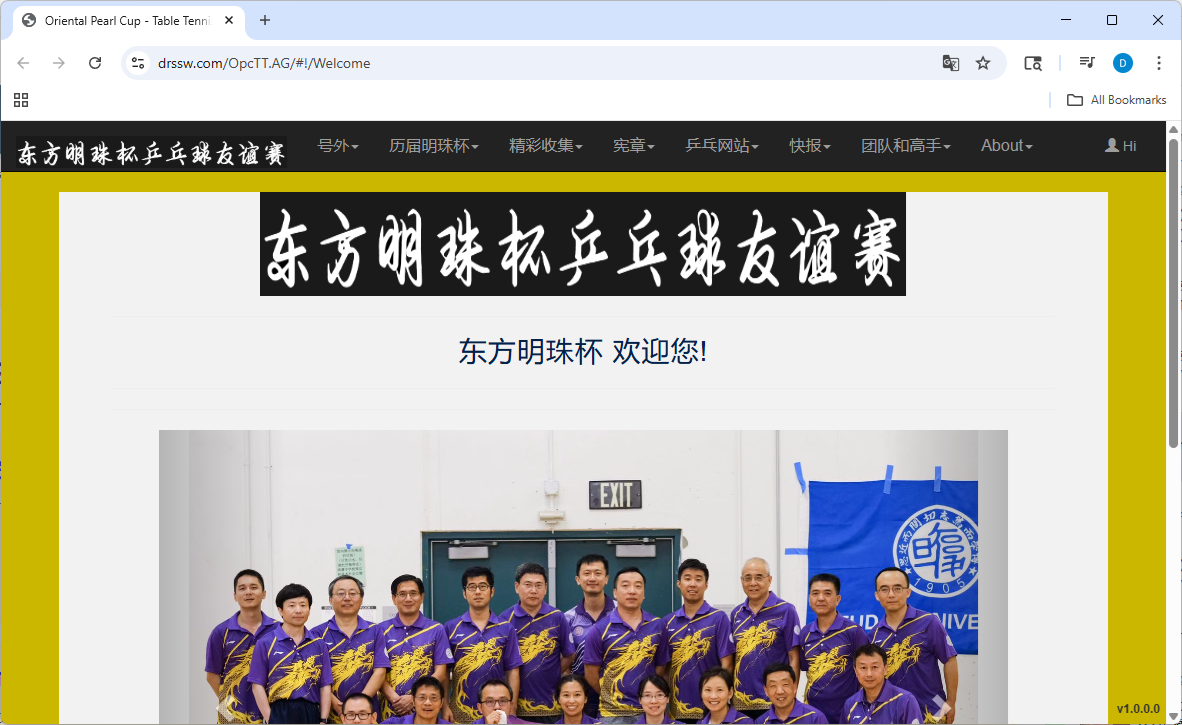
Alameda Table Tennis Club

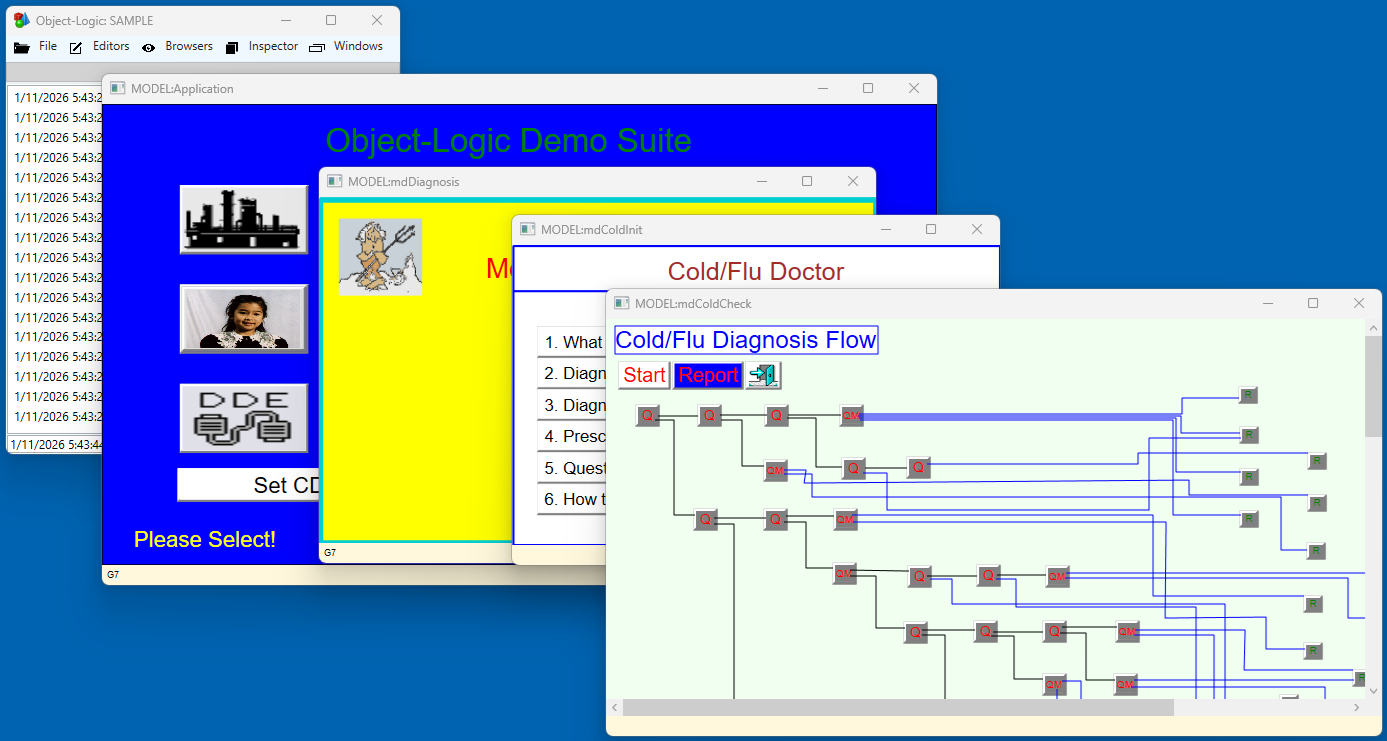
Object-Logic

An Intelligent Object-Oriented Windows Application development environment

  • Visual modelling of processes for inter-relationships, links, data, process logics, and etc.
  • Example: Power plant performance monitoring, Plant heat-rate performance modelling and analysis.

© 2026 DRSSW. All rights reserved.

Innovating healthcare, energy, and software solutions.

DRSSW

专业

  • 醫療保健: 中醫教學網站、HL7、電子病歷、臨床數據儲存庫及醫療數據解決方案
  • 能源: 電廠性能建模、專家系統、數據分析和能源優化解決方案
  • 工具: Windows開發、視覺化建模、HL7解析器、HL7資料庫和開發工具
  • 服務: 資料庫設計、網站和應用程式設計開發,使用微軟技術
    技術堆疊:ASP.NET, Web API, WPF, .NET, C#, Angular, AngularJS

醫療解決方案

中国医药和学习 (Chinese Medicine Learning)

中国医药和学习诞生源于将学习资料集中到一个中心位置以满足个人需求的需要。

中国医药和学习由两部分组成。

中国医药区 - 汇集了中医基础知识,涵盖

  中药, 方剂, 灵验奇方, 用药经验, 药理, 對藥, 药性赋, 药性歌賦, 针灸.

学习区 - 实际上是一个开放空间,用户可以在这里设置学习文件、视频和图片。

用户可以轻松输入链接网址来设置课程。

我们的目标是提供一个轻松有趣的学习场所。

ChineseMD 應用程式

ChineseMD 包含結構化的中醫信息

ChineseMD 包含多媒體、互連的中藥、藥性賦、靈驗奇方、藥理、對藥、醫案、針灸等結構化中醫信息。

安裝步驟:

  1. 點擊鏈接下載安裝壓縮文件。
  2. 下載後,前往壓縮文件位置(例如:下載資料夾)
  3. 雙擊壓縮文件 => 雙擊 setup.exe 進行安裝。
    • 點擊「更多信息」然後點擊「仍要運行」
    • 按照屏幕上的安裝指示進行。
    • => ChineseMD.exe 快捷方式將出現在您的桌面上。
  4. 雙擊 ChineseMD 圖標啟動應用程式
    • 一般登入:用戶名:user 密碼:none

注意:如果之前安裝過 ChineseMD,您可能需要先卸載。
前往 Windows「控制面板」->「程式」->「程式和功能」
右鍵點擊「ChineseMD_Setup」並選擇「卸載」
然後運行 setup.exe 進行安裝

OExpert 應用程式

專家系統:基礎規則網絡,前向和後向推理引擎。

安裝步驟:

  1. 點擊鏈接下載安裝壓縮文件。
  2. 下載後,前往壓縮文件位置(例如:下載資料夾)
  3. 雙擊壓縮文件 => 雙擊 setup.exe 進行安裝。
    • 點擊「更多信息」然後點擊「仍要運行」
    • 按照屏幕上的安裝指示進行。
    • => OExpert.exe 快捷方式將出現在您的桌面上。
  4. 雙擊 OExpert 圖標啟動應用程式
    • 一般登入:用戶名:user 密碼:none

注意:如果之前安裝過 OExpert,您可能需要先卸載。
前往 Windows「控制面板」->「程式」->「程式和功能」
右鍵點擊「OExpert」並選擇「卸載」
然後運行 setup.exe 進行安裝

OClinic 應用程式

(未完成)基礎診所系統,預約、病人、醫療服務提供者等。

安裝步驟:

  1. 點擊鏈接下載安裝壓縮文件。
  2. 下載後,前往壓縮文件位置(例如:下載資料夾)
  3. 雙擊壓縮文件 => 雙擊 setup.exe 進行安裝。
    • 點擊「更多信息」然後點擊「仍要運行」
    • 按照屏幕上的安裝指示進行。
    • => OClinic.exe 快捷方式將出現在您的桌面上。
  4. 雙擊 OClinic 圖標啟動應用程式
    • 一般登入:用戶名:user 密碼:none

注意:如果之前安裝過 OClinic,您可能需要先卸載。
前往 Windows「控制面板」->「程式」->「程式和功能」
右鍵點擊「OClinic」並選擇「卸載」
然後運行 setup.exe 進行安裝

MLSpace 應用程式

MLSpace 资料 (~6GB 下载)

MLSpace:探索人工智能。使用 YOLO 识别和分类图片和视频中的物体。 MLSpace包含两个类别:物体检测和物体分类。 物体检测示例导入一段视频,标注物体(球),并训练模型追踪乒乓球比赛中的球。 最终模型随后用于追踪另一段视频中的球。 物体分类示例使用 50000 张物体图像训练模型。 最终模型用于识别图片中的物体。 注意:训练过程相当耗时。使用 NVIDIA GPU 可显著提升训练效率。

安裝步驟:

  1. 點擊鏈接下載 安裝壓縮文件, (MLSpace_Setup.zip)。
  2. 點擊鏈接下載 资料壓縮文件, (MLSpace.7z)。
  3. 下載後,前往壓縮文件位置(例如:Downloads)
  4. 1.雙擊 安裝壓縮文件 (MLSpace_Setup.zip) => 雙擊 setup.exe 進行安裝。
    • 點擊「更多信息」然後點擊「仍要運行」
    • 按照屏幕上的安裝指示進行。
    • => MLSpace.exe 快捷方式將出現在您的桌面上。
    2.雙擊 资料壓縮文件 (MLSpace.7z) => 雙擊 解压缩到步骤 1 中的文件夹。
  5. 雙擊 MLSpace 圖標 啟動應用程式

注意:如果之前安裝過 MLSpace,您可能需要先卸載。
前往 Windows「控制面板」->「程式」->「程式和功能」
右鍵點擊「MLSpace」並選擇「卸載」
然後運行 setup.exe 進行安裝

RDB Explorer

RDB 數據瀏覽,醫療數據樣本,標準代碼:LOINC, RxNorm, ICD10, SNOMED。

HealthFabric

健康信息系統

HL7,數據提取,

HL7 解析器 - 讀取和解析 HL7 消息的應用程式。

  • HL7 版本 2.5
  • Windows 表單中的 HL7 解析器,用於檢查和創建 HL7 消息
  • 可集成庫
  • HL7 數據庫
  • HL7 ORM .Net 類生成

其他解決方案

drsLearn

學習內容管理,製作 YouTube 影片、PDF 文件、圖片、上傳媒體檔案、做筆記等。

drsLearn 是一個學習管理系統,幫助用戶組織和管理學習材料。

ATTC

阿拉米達乒乓球俱樂部

Object-Logic

智能物件導向 Windows 應用程式開發環境

  • 流程的視覺化建模,包括相互關係、鏈接、數據、流程邏輯等。
  • 示例:電廠性能監控,廠熱效率性能建模和分析。